

Stop reading everything.
make a mindmap.
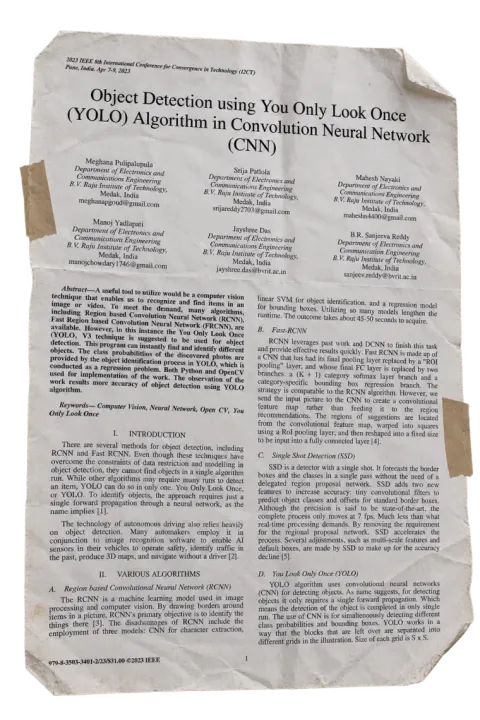
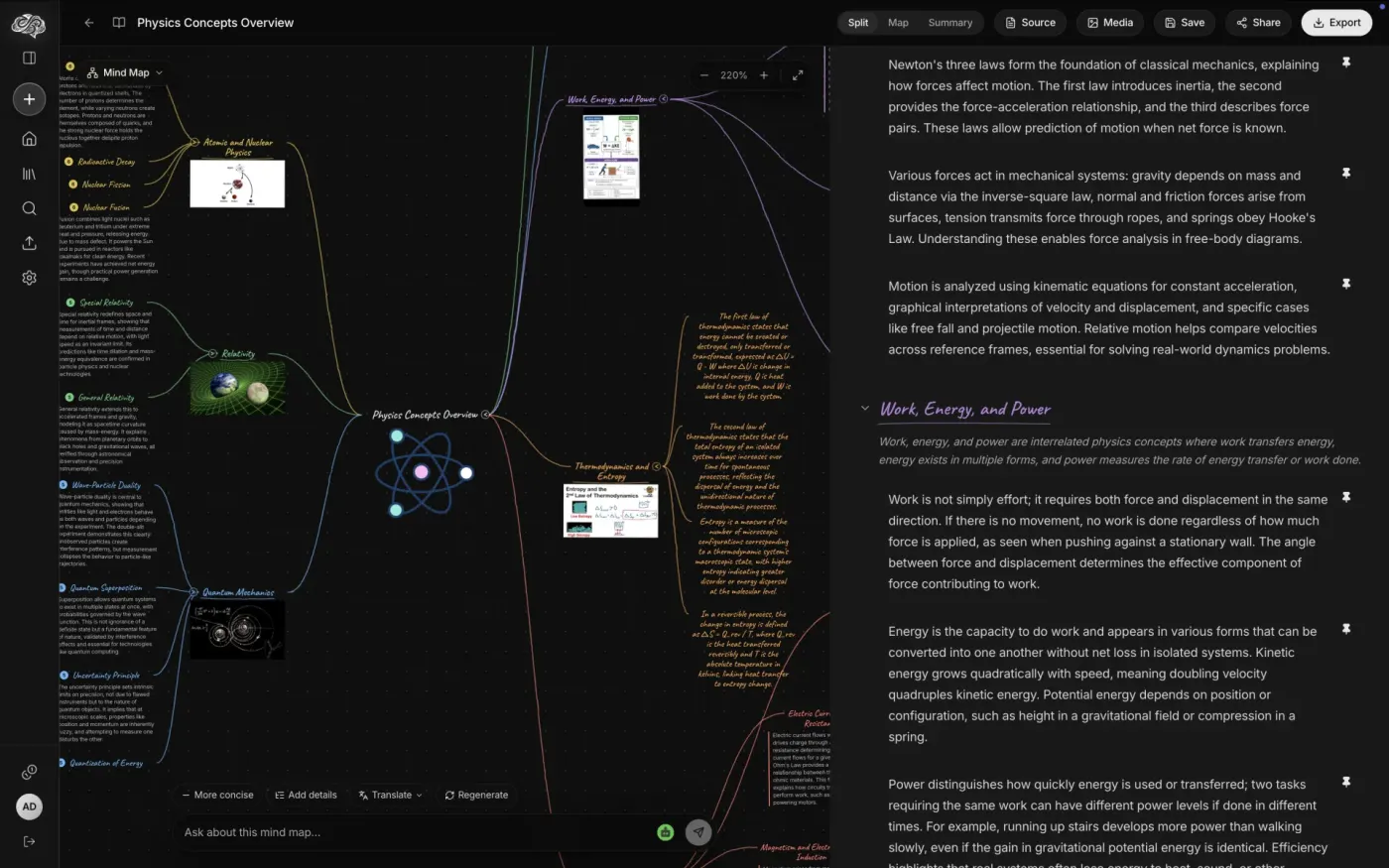
Upload a PDF or paste a YouTube link. Memorly turns it into a visual mind map linked to an AI summary — click any node to jump to the detail.
Free plan at launch · No credit card required
Three steps. Zero friction.
From raw content to structured understanding in under a minute.
Upload or paste
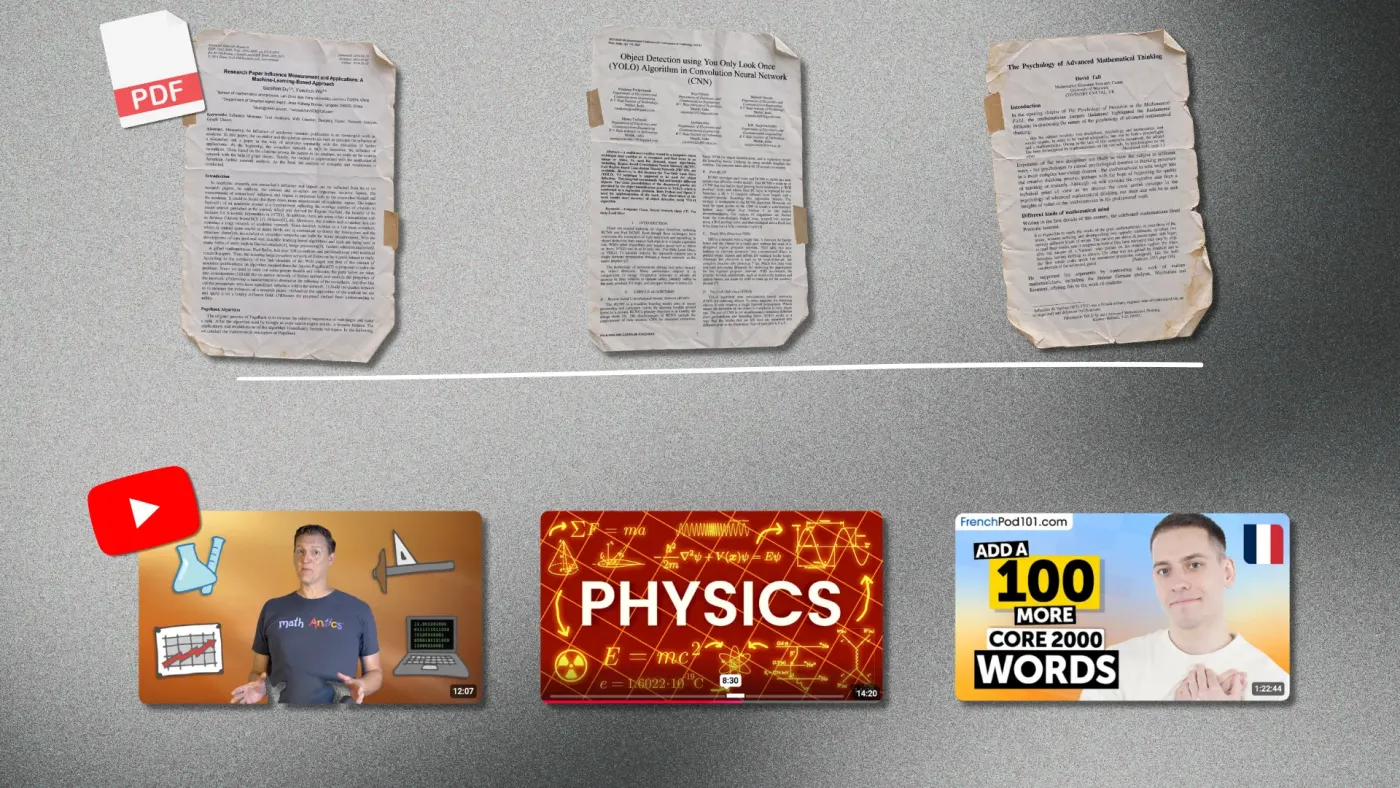
Drop a PDF or paste a YouTube link into Memorly.
AI processes it
Memorly reads the content, extracts the key concepts, and builds the visual structure.
Explore & export
Navigate the linked mind map and summary, then export when you're ready.
What you'll get on day one
PDF → mind map
Upload a textbook chapter, a research paper or lecture slides and get a clean visual mind map of its key concepts.
YouTube → mind map
Paste a YouTube link. Memorly reads what was said and structures it into the same linked mind map format.
Click-to-jump linking
Every node is linked to its summary paragraph. Click a node and the summary scrolls to it; click a paragraph and the node lights up.
Export to Notion & Evernote
Send the mind map, the summary, or both straight into your notes, structured instead of scattered.
Be first to map it.
Drop us a line and we'll tell you the moment Memorly goes live.